Signing In
Schema requires an account — it’s what your cloud diagrams, their version history and your share links are tied to.
Creating an account
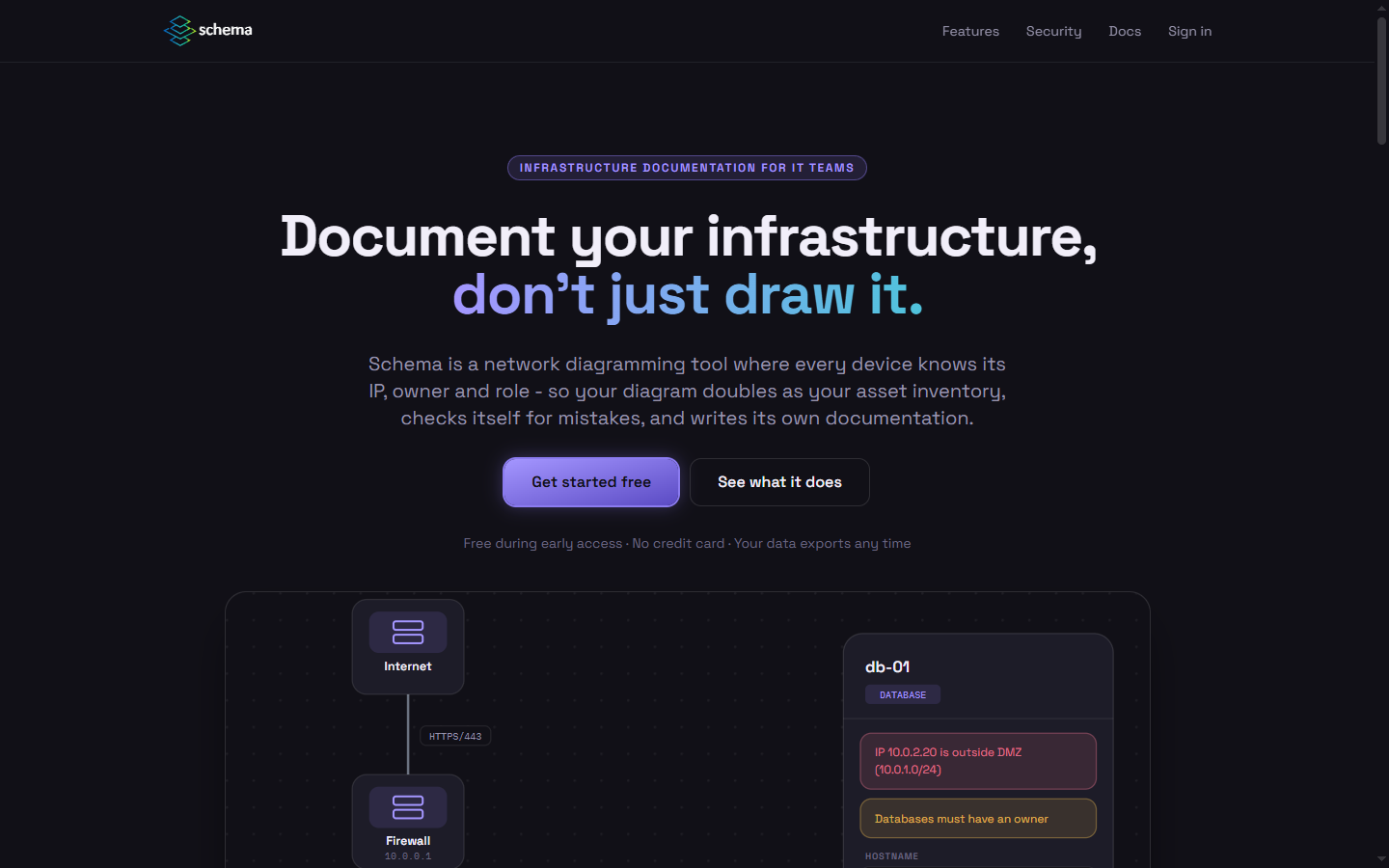
Section titled “Creating an account”- From the landing page, click Get started free.
- In the sign-up window, enter your email and choose a password, or continue with Google.
- Confirm your email address with the code Schema sends you.
- You’re in the app, looking at an empty canvas and a short list of ways to start — see The Workspace.
Signing back in
Section titled “Signing back in”Use Sign in in the top-right of the landing page. If you’re already signed in, the same spot reads Open app.
Your account menu
Section titled “Your account menu”Once inside the app, your avatar in the top-right corner of the ribbon opens your account menu — sign out or manage your profile and password from there.
To export or delete everything you’ve stored in Schema, use File → Your data & account instead — see Security & Your Data.